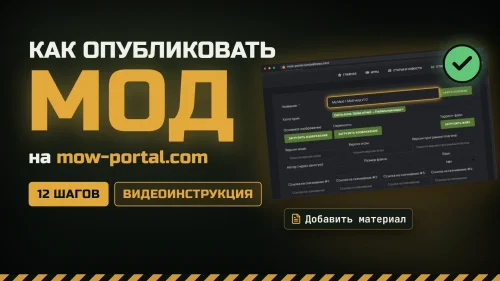
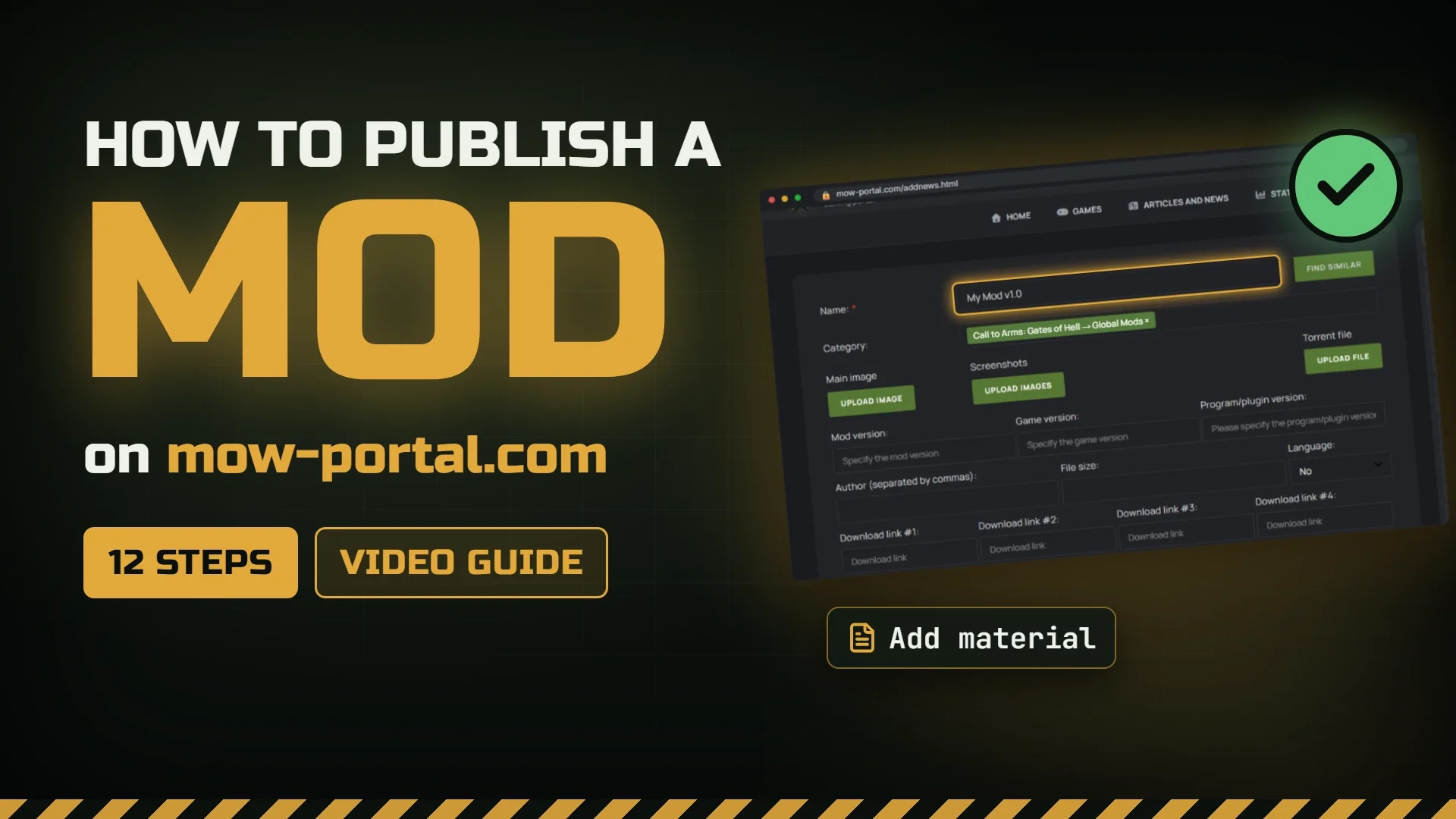
How to publish a mod - mow-portal.com (Video guide)
|
Опубликовал: |
 |
|||
| Загружено: 12 ноя 2026, 18:49 | |||||
| 0 | 33 | ||||
A step-by-step guide to publishing your mod on mow-portal.com: create an account, request publishing rights, read the rules, fill in the "Add material" form and publish.
The site is in Russian, so the video shows it through Google Translate. You can turn on translation in your browser too (in Chrome: right-click the page → "Translate to English").
Good to know:
• You must be over 16 to publish.
• There is no moderation: your mod goes live right away, so check everything before clicking "Add".
• To find your category, type «Глобальные» (Russian for "Global") in the category search box.
Links:
Request publishing rights: https://mow-portal.com/articles_and_news/357-zapros-na-publikacii-fajlov.html
Publication rules: https://mow-portal.com/articles_and_news/13-osnovnye-pravila-publikacii-materiala.html
Main site rules: https://mow-portal.com/articles_and_news/9-osnovnye-pravila-sajta.html
Chapters:
0:00 Intro
0:19 Step 1 — Create an account
0:42 Step 2 — Log in
0:54 Step 3 — Where to request publishing rights
1:06 Step 4 — Read the rules
1:24 Step 5 — Request the rights
1:42 Step 6 — The "Add material" form
1:53 Step 7 — Title and category
2:15 Step 8 — Images and torrent
2:26 Step 9 — Versions, authors, links
2:47 Step 10 — Description
3:04 Step 11 — Publishing
3:15 Step 12 — Your mod on the site
3:30 What is not allowed
3:45 Recap
Смотрите также: